
Managing your Littlebird Subscription
How to upgrade to Plus or Pro
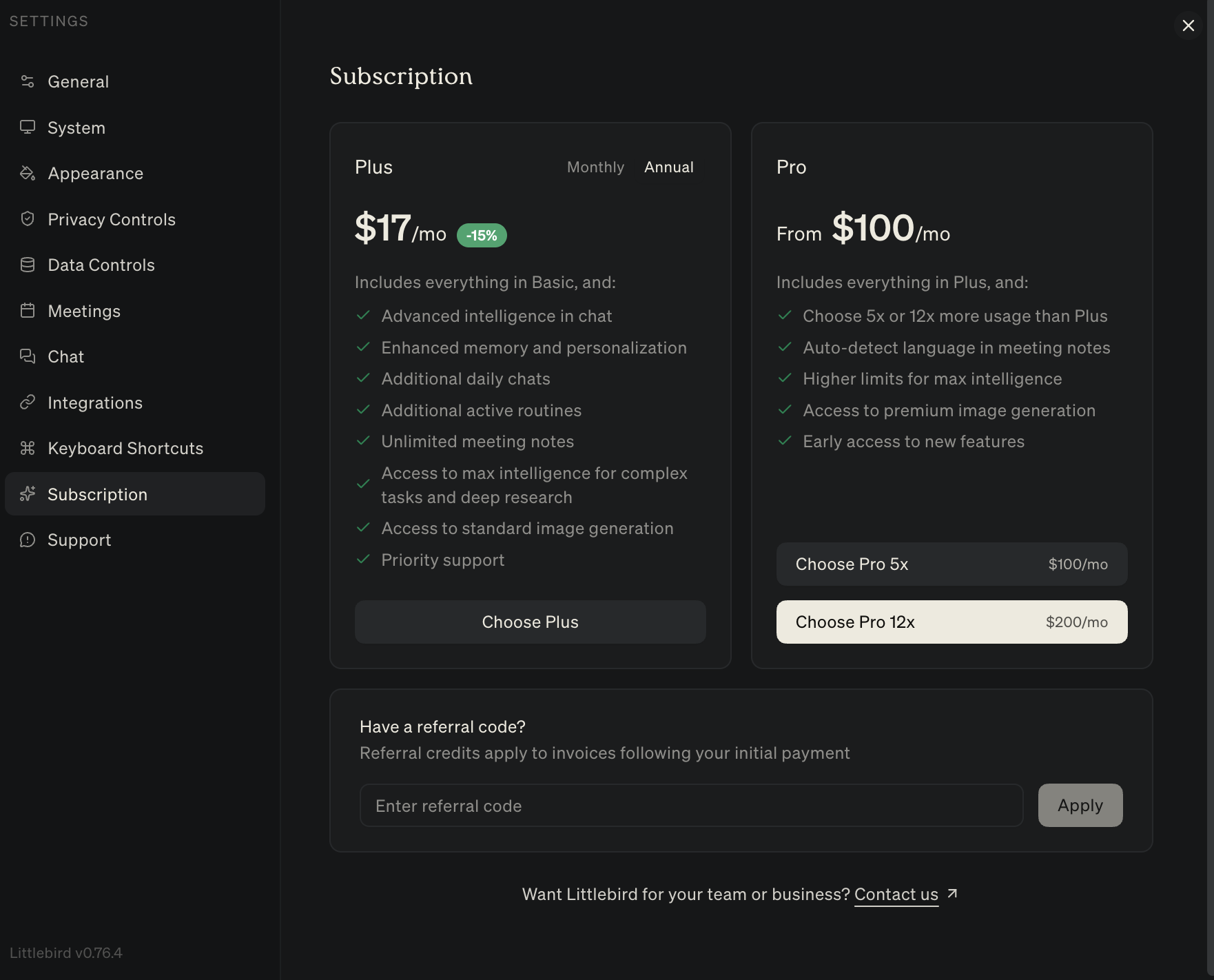
You can upgrade to Plus or Pro at anytime by clicking on your name in the bottom left, accessing Settings and going to the Subscription panel.
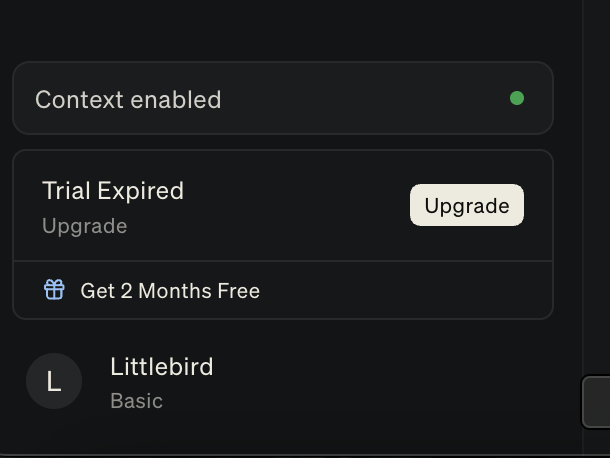
If your Trial has expired, you'll also see an option to upgrade on the bottom left as well.
In your Subscription Page, you'll have the option to choose Plus or Pro. Learn more about our range of plans here.
How to Cancel Your Littlebird Subscription
We're sorry to see you go! Canceling your subscription is straightforward, and your access will continue until the end of your current billing period - so you won't lose anything mid-cycle.
Canceling Through the App
Open Littlebird and click your profile icon in the bottom left and navigate to Settings.
Select Subscription from the left menu.
Click Manage Subscription - this will open the Stripe billing portal in your browser.
In the portal, select Cancel Subscription.
Confirm the cancellation. You'll receive an email from us confirming it went through.
Note: Your subscription will not auto-renew after cancellation, and you won't be charged going forward.
Can't Find the Option?
If the subscription page in your settings appears blank or the cancel option isn't showing up, no worries - just reach out to us directly:
Email: support@littlebird.ai
Include the email address associated with your Littlebird account and we'll take care of it promptly.
Frequently Asked Questions
Can I reactivate later?
Absolutely. You can re-subscribe anytime from the Subscription page in your Settings.
I'm on a free trial - do I need to cancel?
If you signed up for a trial and don't want to be charged, yes - please cancel before your trial ends to avoid being billed. The steps above are the same.
Still need help? Reach out to our team at support@littlebird.ai and we'll get back to you as fast as we can.